

Local SEO helps businesses become more visible to customers searching for products and services in specific areas. But simply optimizing a Google Business Profile or creating location pages is not enough. This is where local SEO reporting becomes important. A well-structured report shows what is improving, what needs attention, and whether your local SEO efforts are contributing to business goals. So, to know exactly how to create a local SEO report in 2026, read below.
What Is a Local SEO Report?
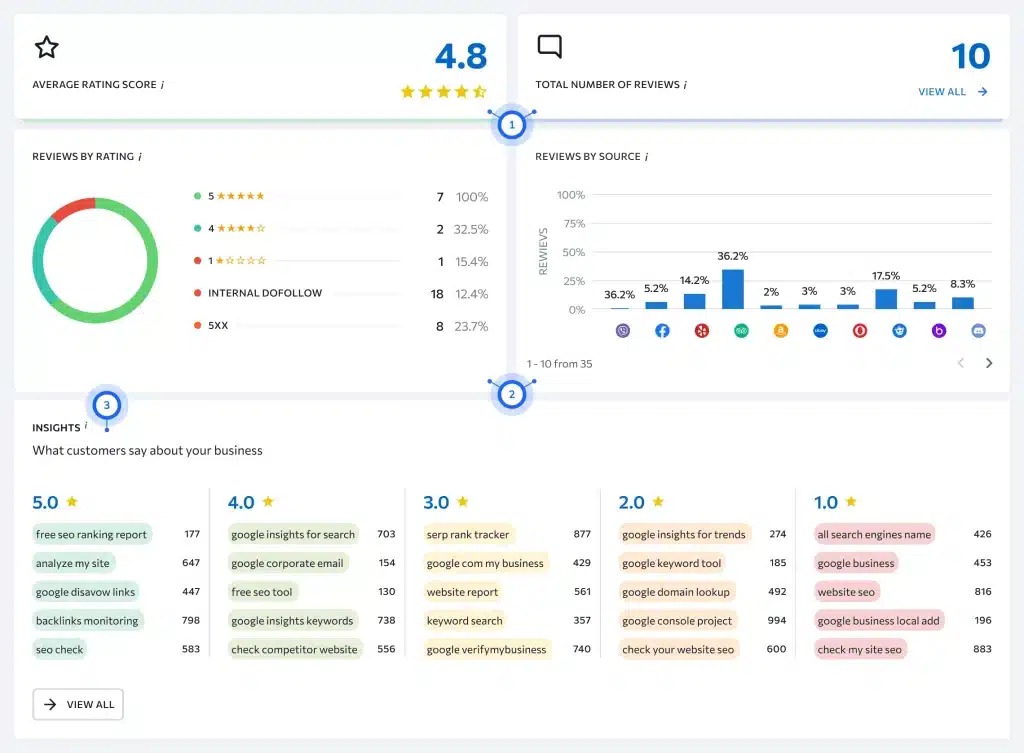
A local SEO report is a document that summarizes the performance of a business in local search. It can include information about:
- Local keyword rankings
- Google Business Profile performance
- Organic traffic
- Website clicks
- Phone calls
- Direction requests
- Local visibility
- Reviews
- Leads and conversions
- Website health
The exact information depends on the business and its goals. For example, a local restaurant may care more about calls, direction requests, and map visibility, while a local service company may focus on qualified leads and organic traffic.
Why Is Local SEO Reporting Important?
Without reporting, it can be difficult to determine whether your SEO strategy is working. Regular reporting helps you:
- Measure progress
- Identify declining performance
- Understand customer behavior
- Compare locations
- Find new opportunities
- Demonstrate SEO results
- Make informed marketing decisions
It also creates a record of performance over time. For agencies, consistent local SEO guides & reports can make client communication easier by showing what was completed, what changed, and what should happen next.
Related Article: How to Perform a Technical SEO Audit: A Complete Guide
How to Create Local SEO Report In 10 Simple Steps
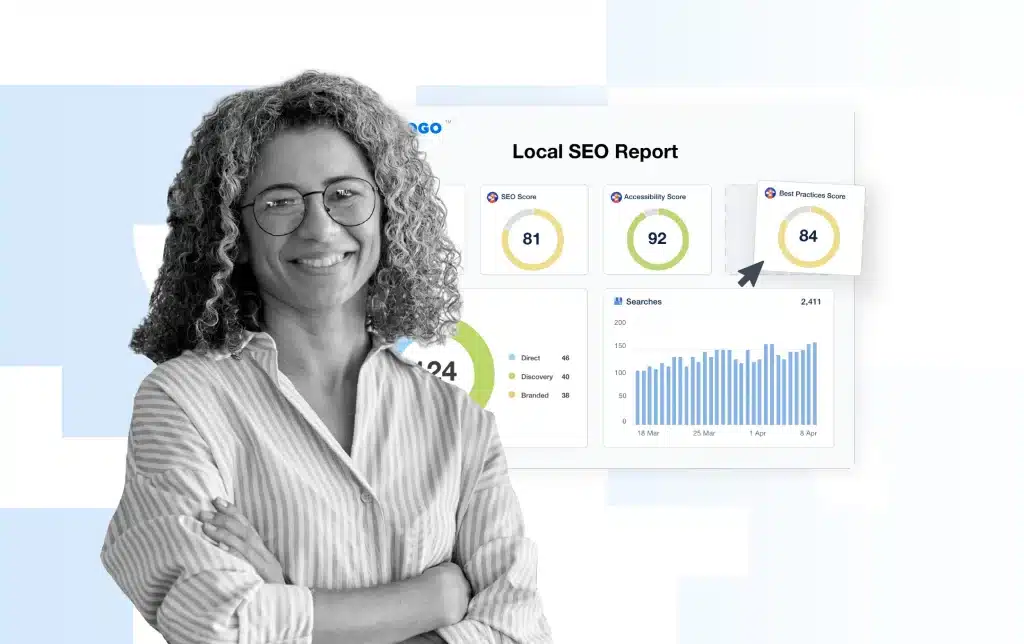
Step 1: Define the Business Goals
Before creating a report, determine what the business actually wants to achieve. Some of the common goals include:
- Increase local visibility
- Generate more calls
- Increase website traffic
- Get more direction requests
- Generate leads
- Improve rankings
- Increase store visits
Your reporting should connect SEO metrics to these goals. For example, if the main goal is generating leads, ranking improvements alone should not be treated as the final outcome.
Step 2: Choose the Right Local SEO Metrics
A good report should contain a focused set of metrics.
Local Keyword Rankings
Track important keywords and their positions in local search results. For example:
- Plumber in Maine
- Dentist near California
- Digital marketing agency Florida
Compare current rankings with previous reporting periods to identify improvements or declines.
Organic Traffic
Use analytics data to see how much traffic comes from organic search. Look at:
- Users
- Sessions
- Landing pages
- Traffic by location
- Conversion activity
Google Business Profile Performance
For businesses with a Google Business Profile, monitor relevant interactions such as:
- Website visits
- Calls
- Direction requests
- Profile views
- Search queries
Leads and Conversions
Conversions are often more valuable than rankings. Depending on the business, conversions might include:
- Contact form submissions
- Phone calls
- Appointment bookings
- Quote requests
- Purchases
- Store visits
Reviews
Track review volume, rating trends, and customer feedback. A report can show:
- Number of new reviews
- Overall rating
- Changes from the previous period
- Common customer feedback
Step 3: Analyze Google Business Profile Data
Google Business Profile data should have its own section in a local report when it is relevant to the business. Review how customers discover and interact with the profile. Look for changes in:
- Profile visibility
- Website clicks
- Calls
- Direction requests
- Customer actions
If interactions increase, identify what may have contributed to the improvement.
Step 4: Review Local Search Rankings
Ranking data helps you understand how visible the business is for important local searches. Do not report rankings without context. Instead, compare: previous position, current position, and change.
Also remember that rankings can vary depending on location, device, search history, and other factors. Therefore, ranking data should be considered alongside traffic and conversion data.
Step 5: Analyze Website Performance
Your local SEO report should also include important website metrics, so review:
- Organic traffic
- Top landing pages
- Conversion rates
- Mobile performance
- Indexed pages
- Technical issues
Identify which location or service pages are attracting the most organic visitors.
Step 6: Include a Local SEO Audit
A local SEO audit can provide additional context to your monthly or quarterly report, so check:
- Google Business Profile information
- NAP consistency
- Local landing pages
- Citations
- Reviews
- Internal links
- Local keywords
- Technical SEO
- Competitor visibility
Step 7: Compare Competitors
Competitor analysis can help explain why your rankings are changing. Compare your business with key local competitors based on:
- Keyword visibility
- Google Business Profile presence
- Reviews
- Local content
- Backlinks
- Location pages
Step 8: Use the Right Local SEO Reporting Tools
Several tools can help collect and organize data. However, some of the useful local SEO reporting tools include:
- Google Search Console
- Google Analytics
- Google Business Profile
- Google Looker Studio
- Semrush
- Ahrefs
- Screaming Frog
- Local rank tracking platforms
You do not need every tool. Choose tools based on the data you need and the size of your SEO campaign.
Step 9: Create an Easy-to-Read Report
- Executive Summary
- Key Metrics
- Google Business Profile
- Keyword Performance
- Website Performance
- Local SEO Issues
- Work Completed
- Next Steps/Future Plans
Step 10: Turn Data Into Insights
Simply presenting numbers is not enough. A useful report explains why the numbers matter.
For example, instead of saying: “Organic traffic increased by 25%, ” it should go like “Organic traffic increased by 25%, mainly because three service pages gained visibility for location-based searches.”
Also, your report should answer three questions:
- What happened?
- Why did it happen?
- What should we do next?
Common Local SEO Reporting Mistakes
- Reporting Too Many Metrics
- Focusing Only on Rankings
- Not Comparing Periods
- Hiding Negative Results
- Using Too Much SEO Jargon
- Reporting Without Recommendations
Local SEO Report Template
A simple report can follow this structure:
Reporting Period: August 2026
Business: Example Business
Locations: California, Florida
Key Highlights:
- Organic traffic increased
- Three priority keywords improved
- Google Business Profile calls increased
- Five new reviews received
Issues Identified:
- Two location pages need content updates
- Several directory listings need correction
Work Completed:
- Optimized location pages
- Updated business listings
- Improved internal linking
Next Steps:
- Build local links
- Update underperforming pages
- Optimize additional location keywords
This format provides enough information without turning the report into a data dump.
Final Words
Effective local SEO reporting is about more than collecting numbers. It is about understanding what those numbers mean for the business.
A useful report should track the metrics that matter, including local rankings, organic traffic, Google Business Profile activity, leads, conversions, reviews, and website performance.
Whether you are managing one location or several, a consistent reporting process can help you understand what is working, identify opportunities, and make smart decisions about your local SEO strategy.
FAQs
1. What should a local SEO report include?
A local SEO report should include local rankings, Google Business Profile performance, organic traffic, leads, conversions, reviews, competitor insights, and recommended actions.
2. Which local SEO metrics matter most for small businesses?
For small businesses, calls, website visits, direction requests, qualified leads, conversions, and local search visibility are among the most useful metrics.
3. How often should a local SEO report be created?
Most businesses benefit from monthly reporting, while quarterly reports can provide a better view of long-term local SEO trends and growth.
4. Can local SEO reports be automated?
Yes. Reporting tools and dashboards can automatically collect data from platforms such as Google Search Console, Google Analytics, and Google Business Profile.